
Start with a clear product photo, choose whether you need a cutout or a new scene, and describe the setting. Check the generated product against the source before using the image. A convincing background is only useful when the product remains recognizable.
1. Choose a source that carries the detail
Use a sharp image that shows the entire product. A simple background helps you judge its silhouette. If the original crops a strap, hides a label or introduces a strong color cast, choose another angle before asking a model to make a new setting.
2. Match the tool to the change
For a transparent or plain catalogue background, start with background removal. For a product placed on a table, in a room or outdoors, use the background workflow. To communicate a specific composition, use a scene reference alongside the product image. These are different operations; choose the smallest change that meets the brief.
3. Write a scene, not a list of adjectives
Describe the surface, backdrop, camera angle and direction of the light. State the parts of the product that must remain recognizable. Leave deliberate empty space if you plan to add copy later. Avoid asking for a new scene, a redesigned label and several new props in the same first attempt.
4. Compare before polishing
Place the source and output side by side. Check the silhouette first, then colors, closures, material and printed detail. A beautiful background can distract from a changed product. If one detail is wrong, target that change before increasing resolution.
5. Make the export fit its destination
Choose a supported aspect ratio that fits the intended placement. Inspect the crop at the size people will actually see. Download a version only after checking both the visual quality and the accuracy of any product claims you add.
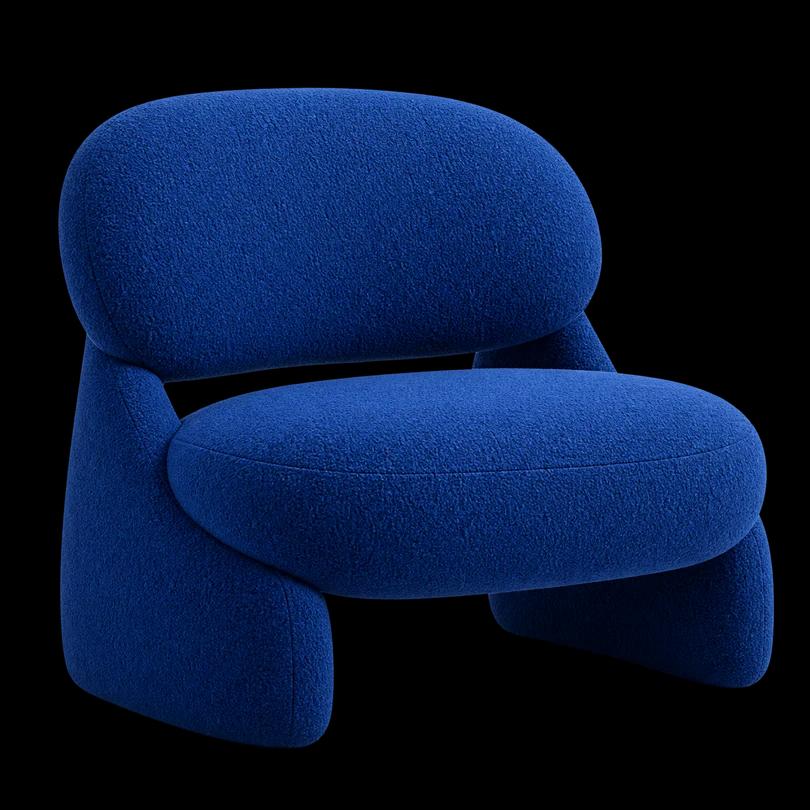
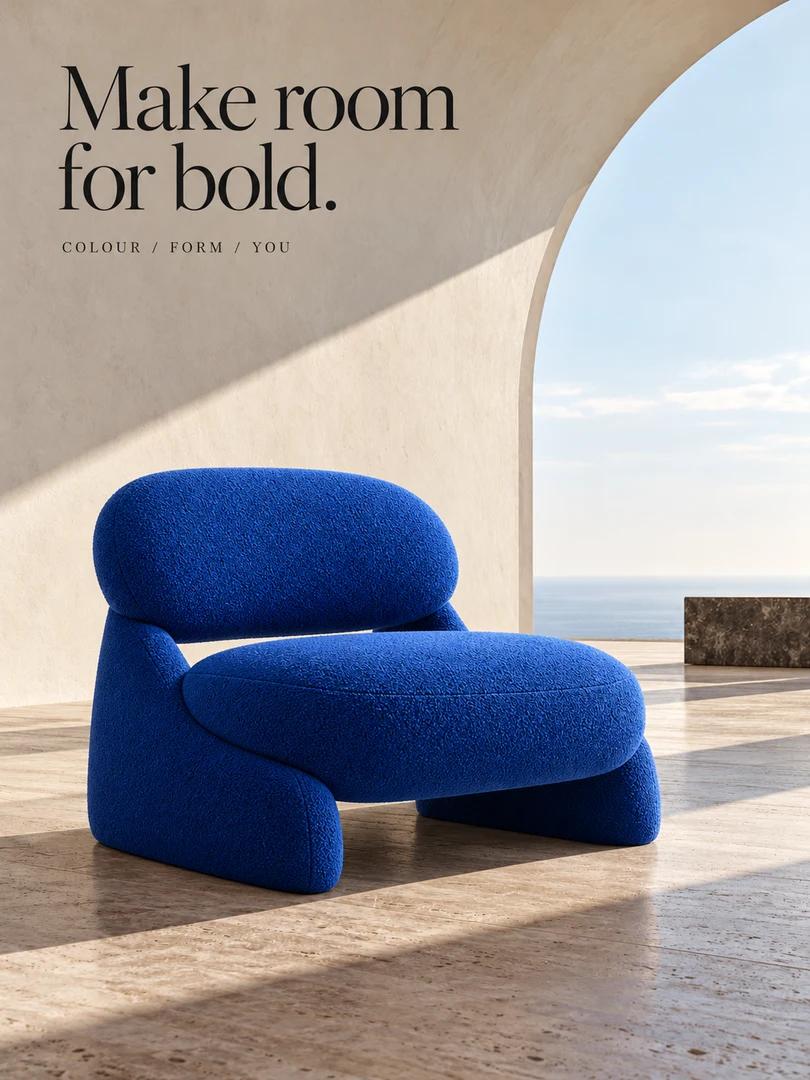
A BRIEF TO MAKE YOUR OWN
Start here. Then add your details.
Place the supplied product on a pale limestone surface in soft light from the upper left. Use a warm off-white wall and a quiet shadow. Keep the product silhouette, material, color and label layout recognizable. Leave clear space on the right for a headline. No new branding or extra props.
Sample wording, not a saved generation result. Adapt the subject, setting and constraints to your own material.
Before you use the result
- Product shape and color match the source.
- The object sits naturally on its surface.
- Labels and small text have been inspected at full size.
- The crop leaves enough space for the intended use.
Choose your next step
Start with the matching studio, and review the current settings and credit estimate before you generate.
Try this workflow